
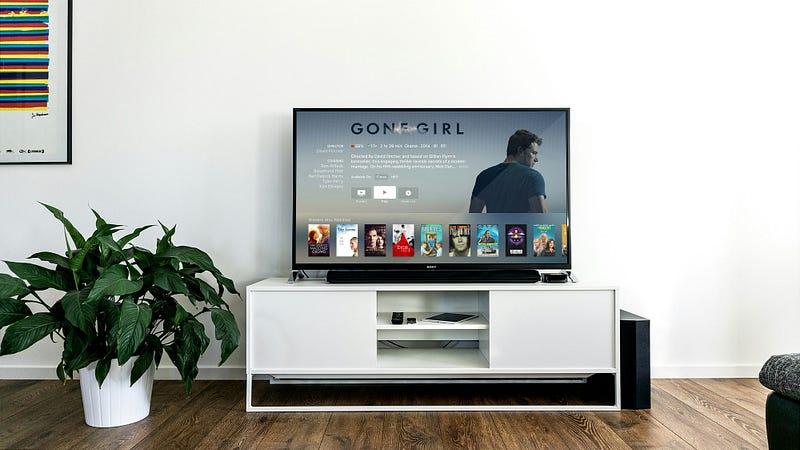
For the last two years, I’ve been running a home server on a cheap Raspberry Pi. Tucked away under a TV cabinet, connected to an old hard drive, this little workhorse runs quietly, orchestrating everything from media streaming to home security.
Orchestrating server software
I went with the Ubuntu Server for OS, Raspberry Pi has its OS with GUI, but since Im not going to use GUI, I went with this lightweight option.
Every piece of software is run using Docker, but since I don't want SSH into my server to manage it, I found an awesome open-source Docker management system called CasaOS.
CasaOS provides a simple dashboard with every app that is currently running and an App Store with a one-click solution for installing new Docker images, but also I can provide my own, or others that are not available in their list.
In addition to that, there is a file management app preinstalled, and widgets with information about CPU and RAM status, storage availability, and network usage.
Let’s answer the title of this post
A quick tour of the key software that brings my server to life
Plex: Yes I know, Raspberry Pi is not powerful enough to transcode 4k movies to my TV, but it is good enough to stream original quality. For each media, I need to optimize it for original quality, keep that in mind. With that, I can enjoy my favorite movies, TV shows, and audiobooks whenever I want.
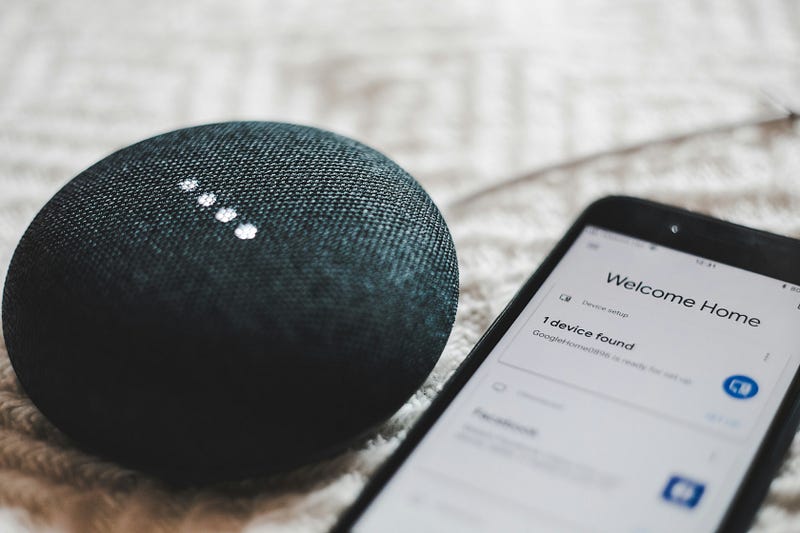
Home Assistant: Over the year I bought a lot of smart home devices, and they are all great, but one thing that annoys me a lot is compatibility. One app controls lights, another robot vacuum, another one can control temperature and the list goes on and on. Solutions like Google Home are good, but the features that you get are more often limited.
That's why I built a dashboard using Home Assistant that can control all my devices, even the ones that don't support apps like Google Home.
Motioneye: A good thing about having home security cameras is the feeling of safety but what freaks me a lot is uploading or streaming my home feed to some Chinese server with a cheap camera that I bought. Or having a camera system from more reputable companies but paying for a subscription.
That's why I built my system with Raspberry Pi Zero connected to a camera hidden around my house. Inspiration for this project came from a great video from Linus Tech Tips so if you are interested in a project like this, check his video on this topic.
Pi hole: Having Adblocker on your computer browser is cool, but the even cooler thing is to have it on your whole home network (TVs, smartphones, etc). This is where Pi hole comes into place. Pi-hole is essentially a DNS server that can reroute ads and trackers to a black hole, preventing them from reaching your devices.
Setup is pretty straightforward, after you install it there is already a list of common ad and tracker providers, but you can add or remove them as you wish. The only thing that you need to do, is go to your router settings and change DNS to the local IP address of your Raspberry Pi home server.
Cloudflared: The last app on my list is optional but I like it a lot. Like most home networks I do not have a static IP address, so reaching my apps on this list like Plex, when Im outside of my home is almost impossible.
This is where Cloudflare comes to the rescue, you will need a domain and with their Cloudflare tunnel, you can set up your local IP address to some domain name.
Conclusion
Building my home server certainly involved overcoming a few hurdles. Understanding the ins and outs of Docker and tweaking all the software to my liking took a bit of learning at first. For that, there are great resources on YouTube, Reddit, etc. But that sense of accomplishment when things fall into place is unparalleled. And that’s the beauty of it — knowing you’ve crafted something truly unique and useful.
Comments