

I consider myself pretty open-minded when it comes to music. If you look at my library, you'll see a bit of everything. But lately, I caught myself doing that thing we all do: hitting play on the same three playlists, completely at the mercy of the algorithm. I needed a way to break out of the loop, which is exactly how I stumbled upon 1001albumsgenerator.com.
It’s a brilliant, simple concept: every day, it gives you one album from the legendary "1001 Albums You Must Hear Before You Die" book to listen to and rate. It's a genuinely cool way to mix things up (no pun intended).
But immediately, I ran into a minor friction point: remembering to check the site every day.
The Problem with Reminders
If I have to set a daily alarm to listen to music, it stops being fun and starts feeling like a chore. I needed a simpler way to see my daily album without it being too intrusive.
- Email reminders are just inbox bloat.
- Push notifications are a real drag. I guard my phone's notification tray with my life, and adding a daily ping for an album felt like a step backward for my digital sanity.
- Sticky notes are entirely too analog for my home-server-obsessed brain.
I wanted something ambient. Something I look at organically throughout the day. The perfect fit? My custom "new tab" homepage.
My Custom Homepage (And a Slight Detour)
For my browser start page, I use a fantastic open-source project called gethomepage/homepage. It’s a highly customizable dashboard that hooks into all my local Docker containers and self-hosted services.
Well, actually, I’m using my own fork of it.
A while back, I wanted to add some specific functionality to how the dashboard renders custom data. I wrote the code, tested it, and submitted PR #6560. The maintainer ultimately rejected it. No hard feelings—that’s just the nature of open source and maintaining a unified vision for a project. But as a tinkerer, I wasn't about to give up my shiny new feature, so maintaining my own fork was the logical next step. It gave my dashboard a serious glow-up and, more importantly, gave me the ultimate freedom to hack together whatever I wanted.
Building the 1001 Albums Tile
Because I open a new browser tab dozens of times a day, putting the daily album right on my dashboard meant zero friction. I don't have to seek it out; it's just there, waiting for me when I sit down with my morning coffee.
Since I was already running my own fork with my custom features, I decided to do this right. Instead of settling for a hacky, generic API fetch, I built a dedicated 1001albums widget natively into my version of the dashboard. This allowed me to pull in rich metadata and features that a basic fetch couldn't cleanly handle.
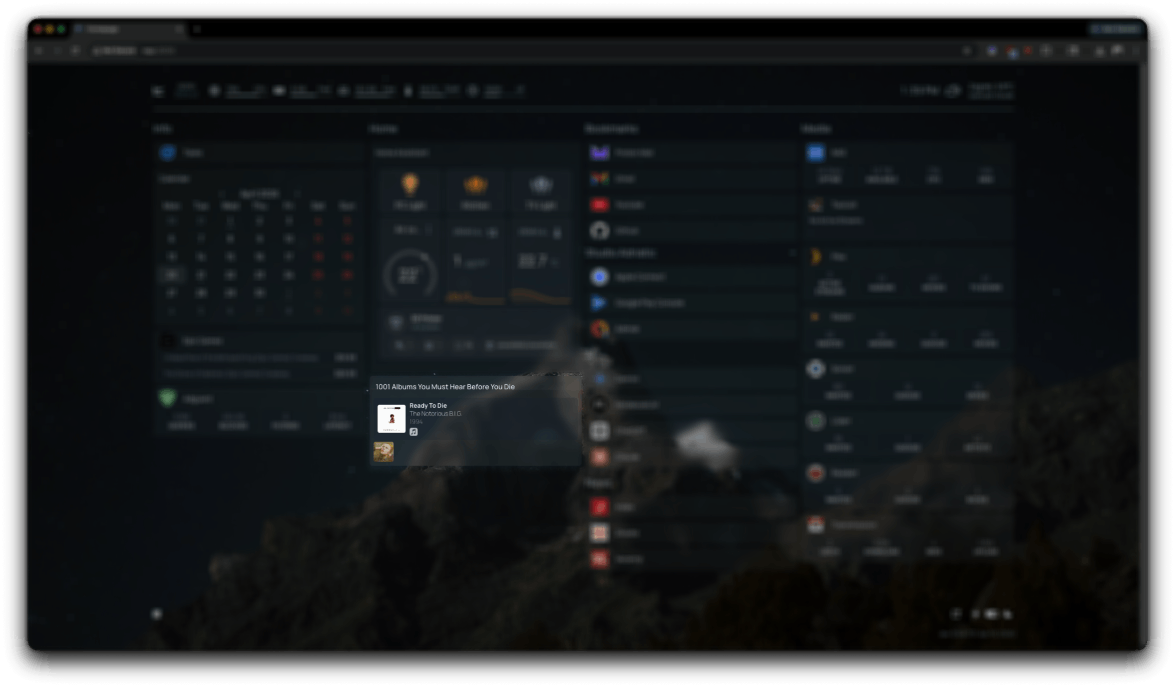
Here is how I break down the custom tile setup:
- The Project ID: You just drop in your specific project name (like
testin the example below) so the widget knows whose data to fetch. - The History Flag: I added an optional
historyparameter. If you miss a few days, you can tell the widget to display up toNprevious albums so you can easily catch up. - The Quick Links: The best part? Direct routing. You can specify which streaming services you use, and the widget automatically generates clickable links straight to the album on those platforms.
Here’s the YAML snippet to get this running in the dashboard config:
- 1001 Albums Challenge:
    - Today's Album:
        href: [https://1001albumsgenerator.com/test](https://1001albumsgenerator.com/test)
        description: Daily Music Challenge
        widget:
            type: 1001albums
            project: test
            history: 5 # optional, number of previous albums to show (defaults to 0)
            links: # optional
              - spotify
              - appleMusic
              - tidal
              - youtubeMusic
              - amazonMusic
              - deezer
              - qobuz
By taking this route, I made a conscious trade-off: I chose the slightly higher maintenance of running a custom fork over the convenience of a vanilla install. But for the sake of having a beautifully integrated tile with historical lookback and instant Spotify links, the extra effort was entirely worth it.
Conclusion.
Automating this little part of my day has completely changed how I engage with the challenge. By embedding the 1001 Albums generator into an interface I already use constantly, I eliminated the friction of building a new habit. It’s a perfect example of why I love self-hosting and tinkering with custom forks: you get to mold your digital environment to fit your exact lifestyle, escaping the algorithmic echo chamber one daily album at a time.
Sign up for more like this.
Comments